
A free, standard clinical reference for grading the severity of contact lens complications – online or as a downloadable app.
Try the grading scales
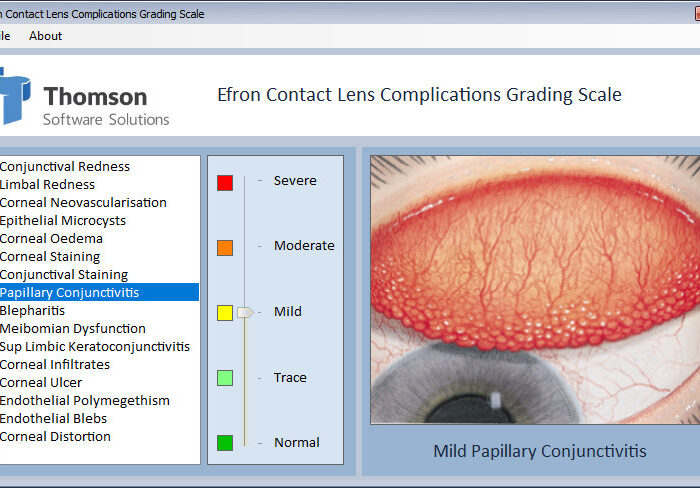
Choose a condition, then click a grade or drag the slider to see how each complication looks from 0 (normal) to 4 (severe). When you are ready, open the full app for full-screen viewing.
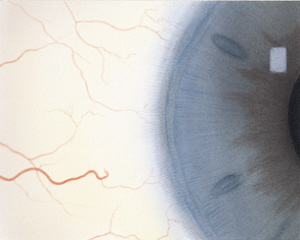
Images from the Efron Grading Scales, by kind permission of Professor Nathan Efron and Butterworth Heinemann.
Key features
- 16 sets of grading images covering the key anterior complications of contact lens wear
- Five stages of severity (0–4) with traffic-light colour banding, from green (normal) to red (severe)
- Pick a condition and click a grade to compare the images at a glance
- Full-screen view for showing patients – use the arrow keys to change grade and condition
- Choice of colour themes, including a dark mode
- Background information about the grading scales built in
- Use it online in any web browser – nothing to install – or download the free Windows app
- Provided by kind permission of Professor Nathan Efron and Butterworth Heinemann
How it works
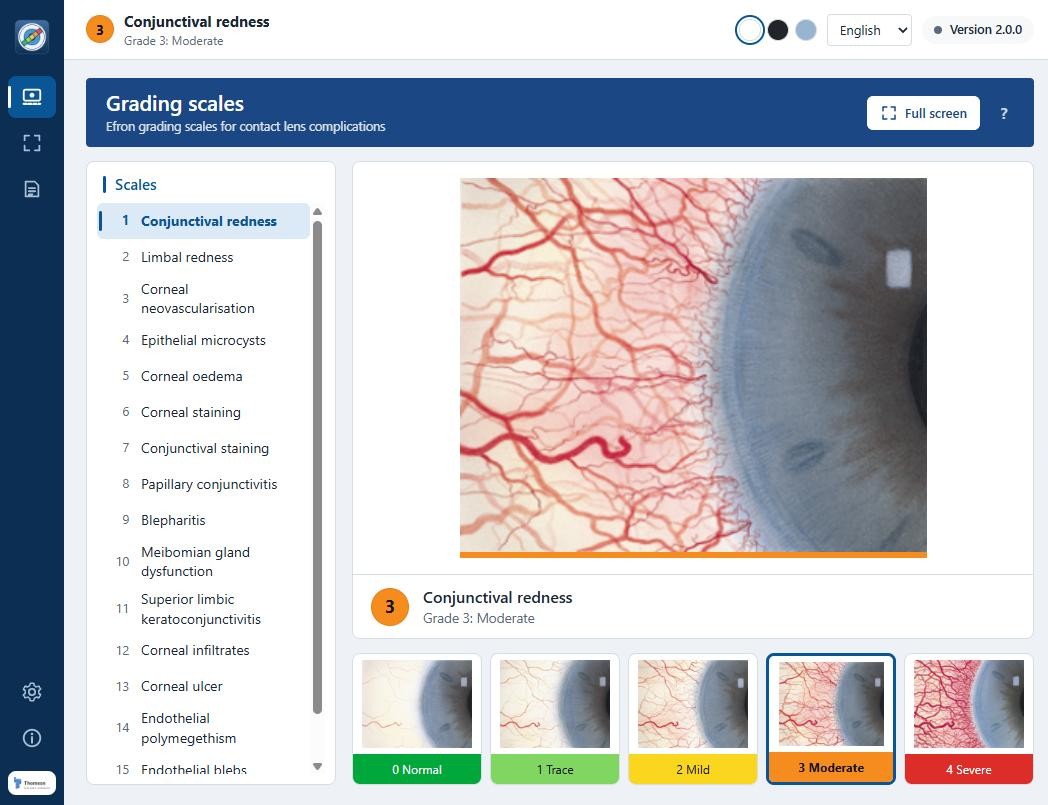
The 16 sets of grading images cover the key anterior ocular complications of contact lens wear.
Each condition is shown in five stages of increasing severity, from 0 to 4, with ‘traffic light’ colour banding from green (normal) to red (severe).
Simply pick a condition from the list and click a grade – or use the arrow keys – to compare the grading images at each level of severity.
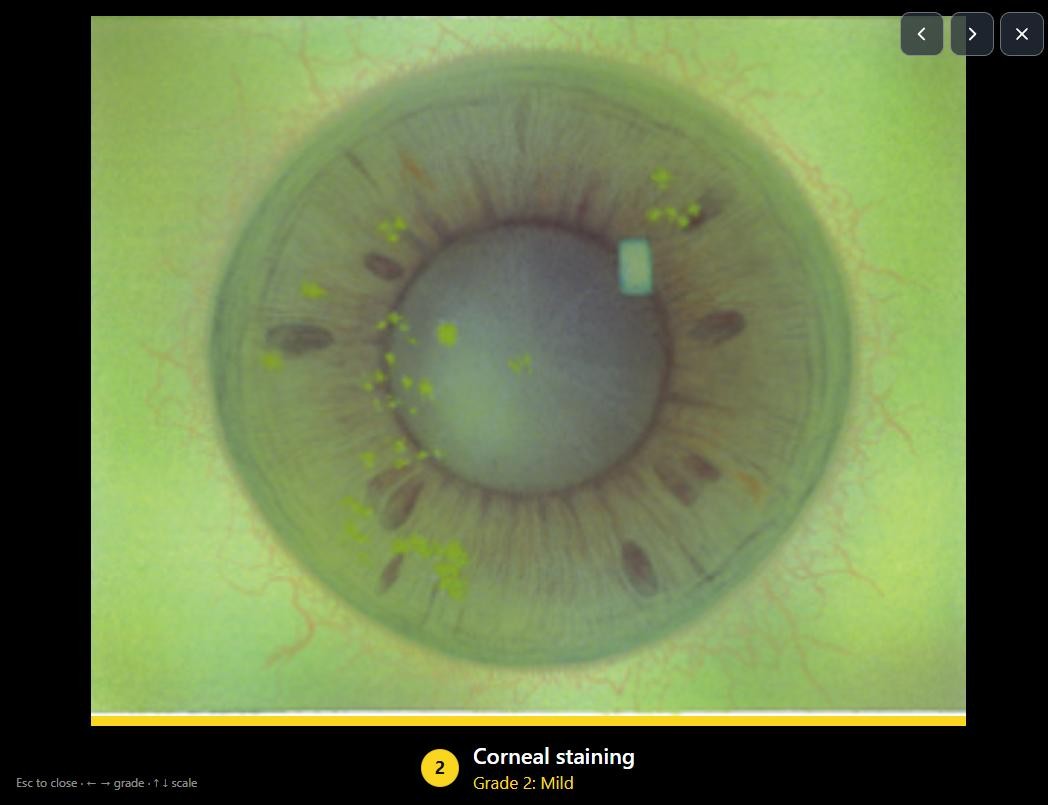
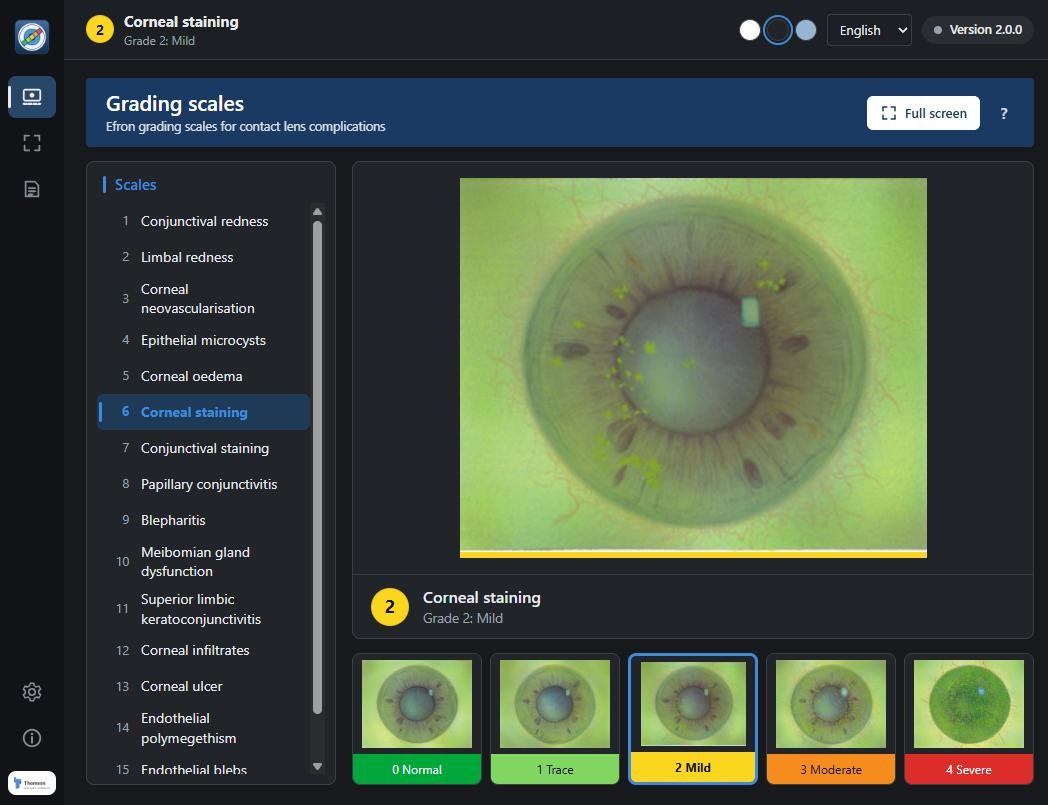
Full screen and dark mode
Show the images full screen when discussing a condition with your patient, and switch to the dark theme for a darkened consulting room.
Two ways to use it – both free
Online
Efron online tool
Use it straight away in your web browser – nothing to install.
Download
Efron app for Windows
Download the free app from our online store and install it on your PC.